Procurement
Octane Invoice Automation
Pulls purchase orders and invoices from email and routes each one for dual approval.
AI Impact
100%
Files auto-routed for dual-persona approval
Same-day
Processing turnaround vs. manual entry
2
Independent approval checkpoints per file
Key Capabilities
Inbox Sync
Pulls new PO and invoice attachments in from email automatically
Entity Extraction
Extracts structured PO and invoice data ready for approval
Dual-Persona Approval
Routes every file through two independent approval checkpoints
Status Tracking & Reset
Live approval status per file, with reset for re-processing
Scenario
Procurement Operations Lead
PO backlog awaiting dual-persona approval
New PO and invoice attachments synced in overnight from the inbox
“Sync the inbox for new invoices and purchase orders”
Need the full list of files ready for processing
“List all the files available for processing”
Batch needs to be processed and routed for approval before the weekly payment run
“Process all the files and route them for approval”
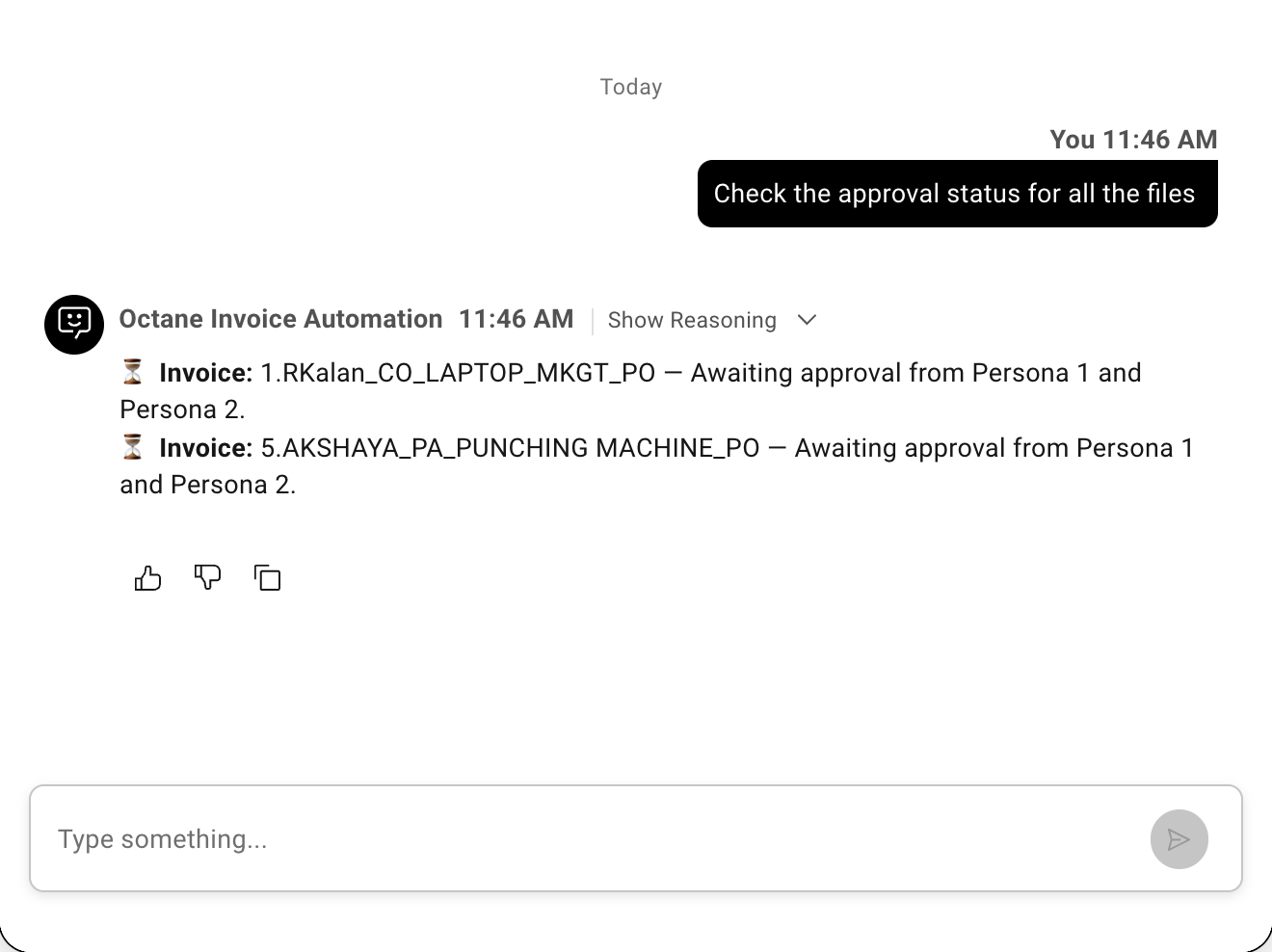
Some files cleared, some still waiting on Persona 2 — need current status
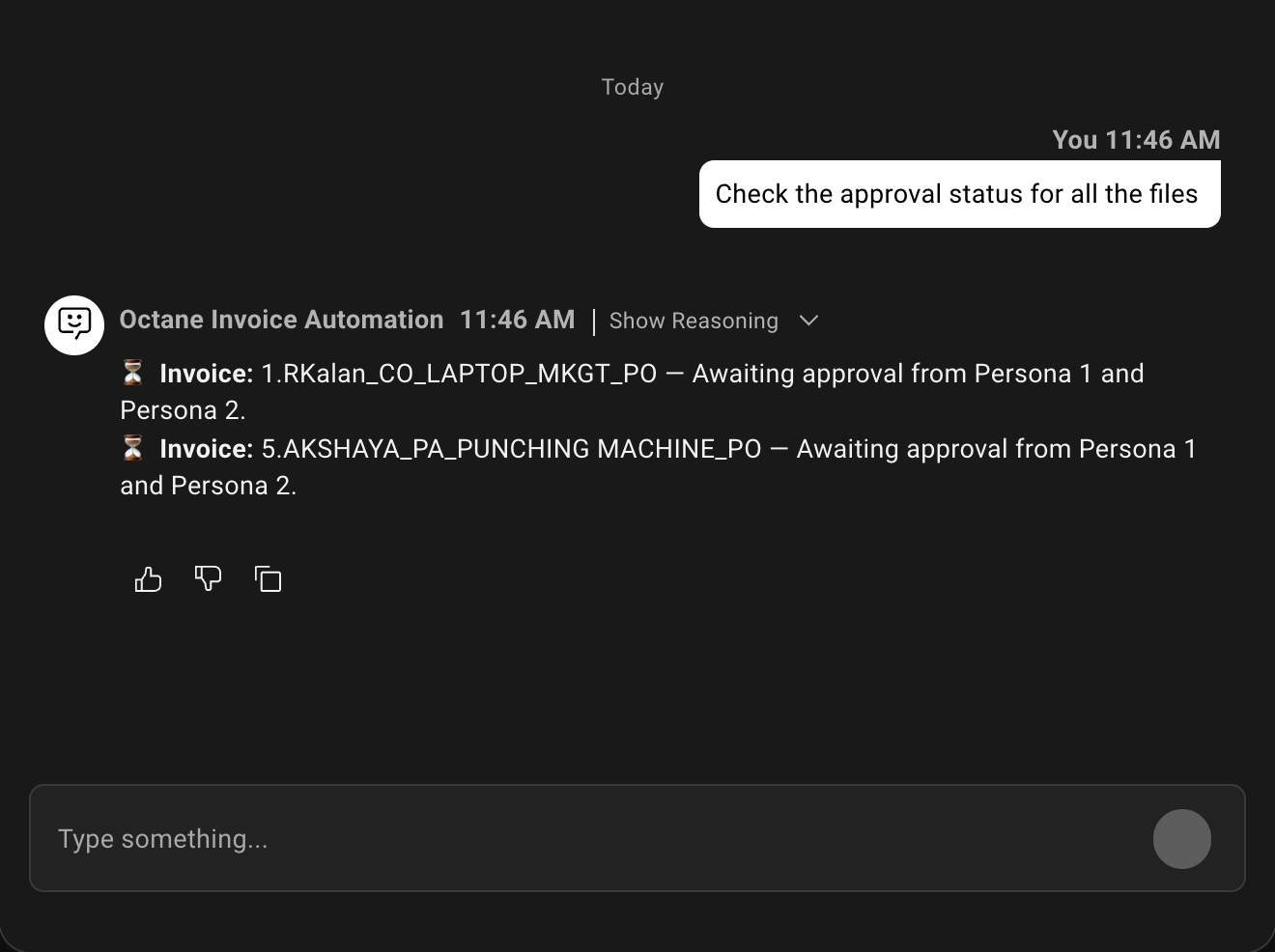
“Check the approval status for all the files”